660
kreon.com/casambi
kreon controlling devices
Casambi offers a big variety of possibilities for a user to
interact with the lighting depending on the user’s individual
requirements. The app for smartphones, tablets and
smartwatches is the most elaborated user interface. Besides
the app, traditional wall switches, push buttons, Casambi’s
own scene controllers and many other control points can be
used.
Casambi app
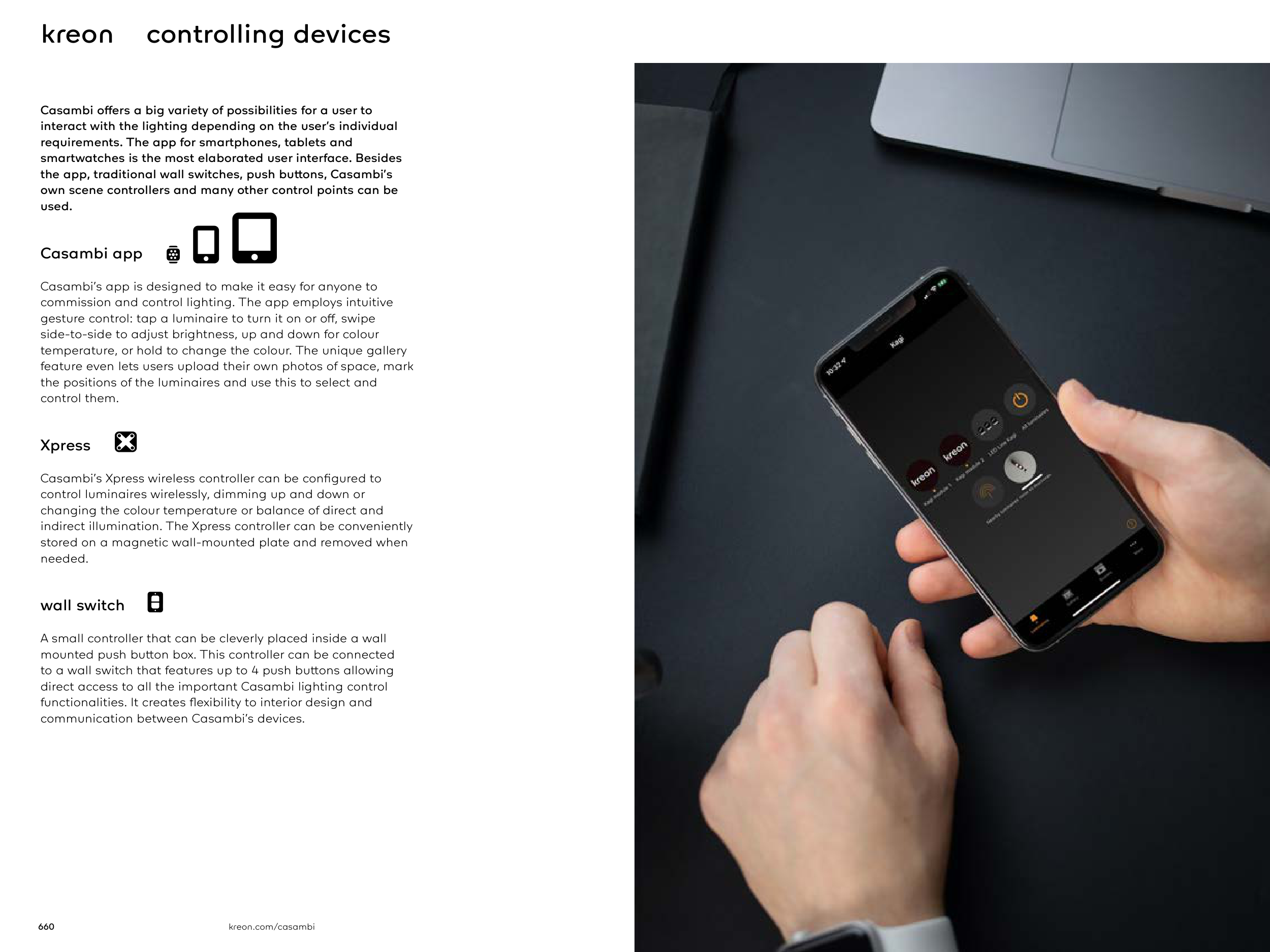
Casambi’s app is designed to make it easy for anyone to
commission and control lighting. The app employs intuitive
gesture control: tap a luminaire to turn it on or off, swipe
side-to-side to adjust brightness, up and down for colour
temperature, or hold to change the colour. The unique gallery
feature even lets users upload their own photos of space, mark
the positions of the luminaires and use this to select and
control them.
Xpress
Casambi’s Xpress wireless controller can be configured to
control luminaires wirelessly, dimming up and down or
changing the colour temperature or balance of direct and
indirect illumination. The Xpress controller can be conveniently
stored on a magnetic wall-mounted plate and removed when
needed.
wall switch
A small controller that can be cleverly placed inside a wall
mounted push button box. This controller can be connected
to a wall switch that features up to 4 push buttons allowing
direct access to all the important Casambi lighting control
functionalities. It creates flexibility to interior design and
communication between Casambi’s devices.