28
29
MOTOLUX Motorized Architectural Remote Controlled Lighting
www.formalighting.com
29
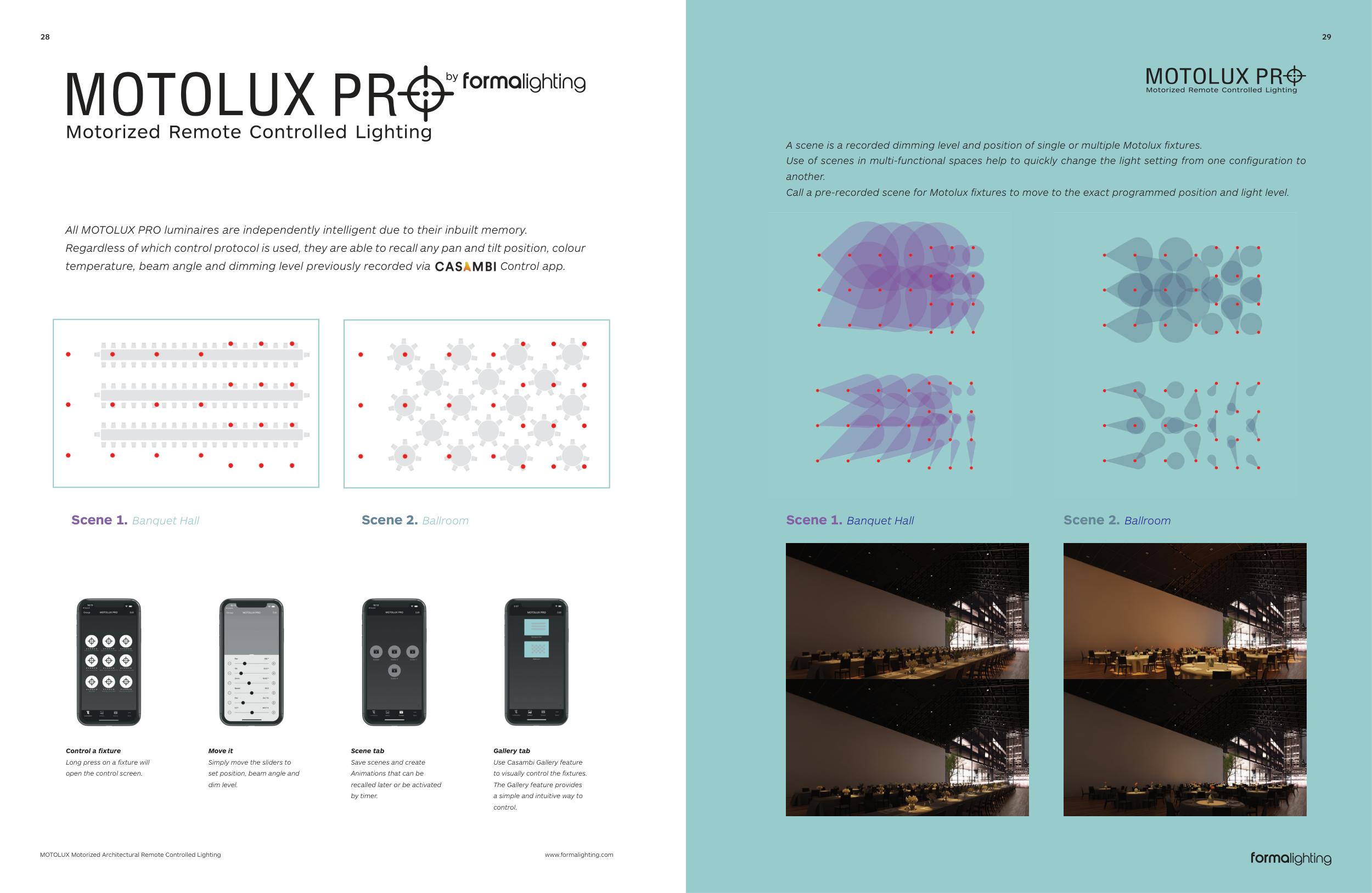
Scene 2. Ballroom
Scene 1. Banquet Hall
Gallery tab
Use Casambi Gallery feature
to visually control the fixtures.
The Gallery feature provides
a simple and intuitive way to
control.
Scene tab
Save scenes and create
Animations that can be
recalled later or be activated
by timer.
Control a fixture
Long press on a fixture will
open the control screen.
Move it
Simply move the sliders to
set position, beam angle and
dim level.
All MOTOLUX PRO luminaires are independently intelligent due to their inbuilt memory.
Regardless of which control protocol is used, they are able to recall any pan and tilt position, colour
temperature, beam angle and dimming level previously recorded via Control app.
Scene 2. Ballroom
Scene 1. Banquet Hall
A scene is a recorded dimming level and position of single or multiple Motolux fixtures.
Use of scenes in multi-functional spaces help to quickly change the light setting from one configuration to
another.
Call a pre-recorded scene for Motolux fixtures to move to the exact programmed position and light level.