98
18
56
60
33
15
60
33
15
98
18
56
DALI system components
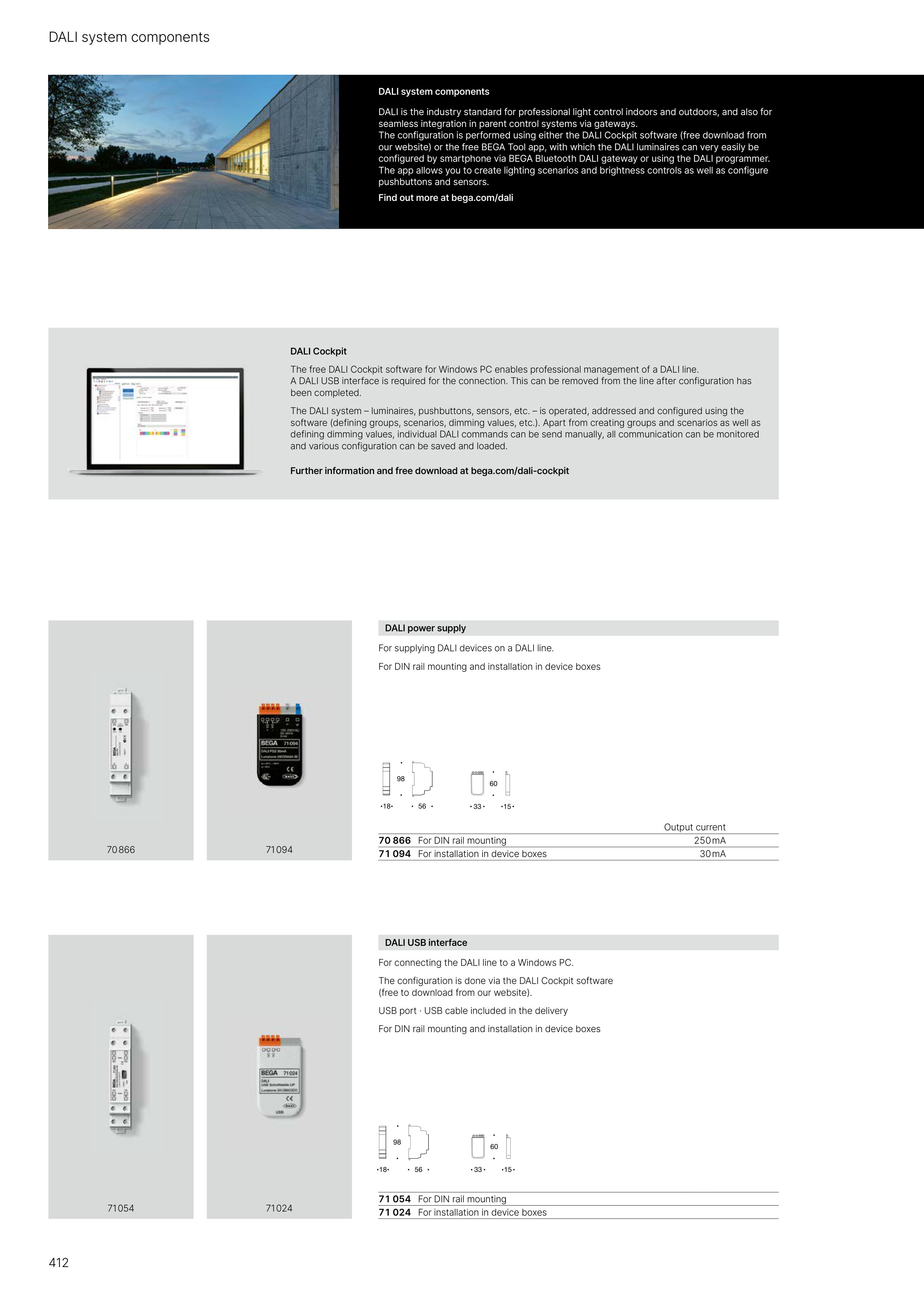
DALI power supply
For supplying DALI devices on a DALI line.
For DIN rail mounting and installation in device boxes
Output current
70 866 For DIN rail mounting
250 mA
71 094 For installation in device boxes
30 mA
DALI system components
DALI is the industry standard for professional light control indoors and outdoors, and also for
seamless integration in parent control systems via gateways.
The configuration is performed using either the DALI Cockpit software (free download from
our website) or the free BEGA Tool app, with which the DALI luminaires can very easily be
configured by smartphone via BEGA Bluetooth DALI gateway or using the DALI programmer.
The app allows you to create lighting scenarios and brightness controls as well as configure
pushbuttons and sensors.
Find out more at bega.com/dali
DALI USB interface
For connecting the DALI line to a Windows PC.
The configuration is done via the DALI Cockpit software
(free to download from our website).
USB port · USB cable included in the delivery
For DIN rail mounting and installation in device boxes
71 054 For DIN rail mounting
71 024 For installation in device boxes
70 866
71 094
71 054
71 024
DALI Cockpit
The free DALI Cockpit software for Windows PC enables professional management of a DALI line.
A DALI USB interface is required for the connection. This can be removed from the line after configuration has
been completed.
The DALI system – luminaires, pushbuttons, sensors, etc. – is operated, addressed and configured using the
software (defining groups, scenarios, dimming values, etc.). Apart from creating groups and scenarios as well as
defining dimming values, individual DALI commands can be send manually, all communication can be monitored
and various configuration can be saved and loaded.
Further information and free download at bega.com/dali-cockpit
412